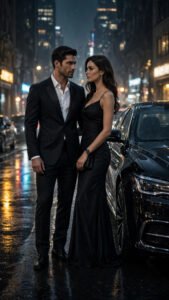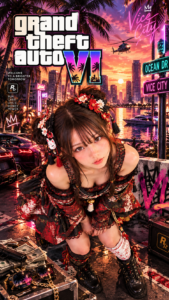
Turn your photo into a GTA VI-style boy character — Vice City streets, same face, same style.
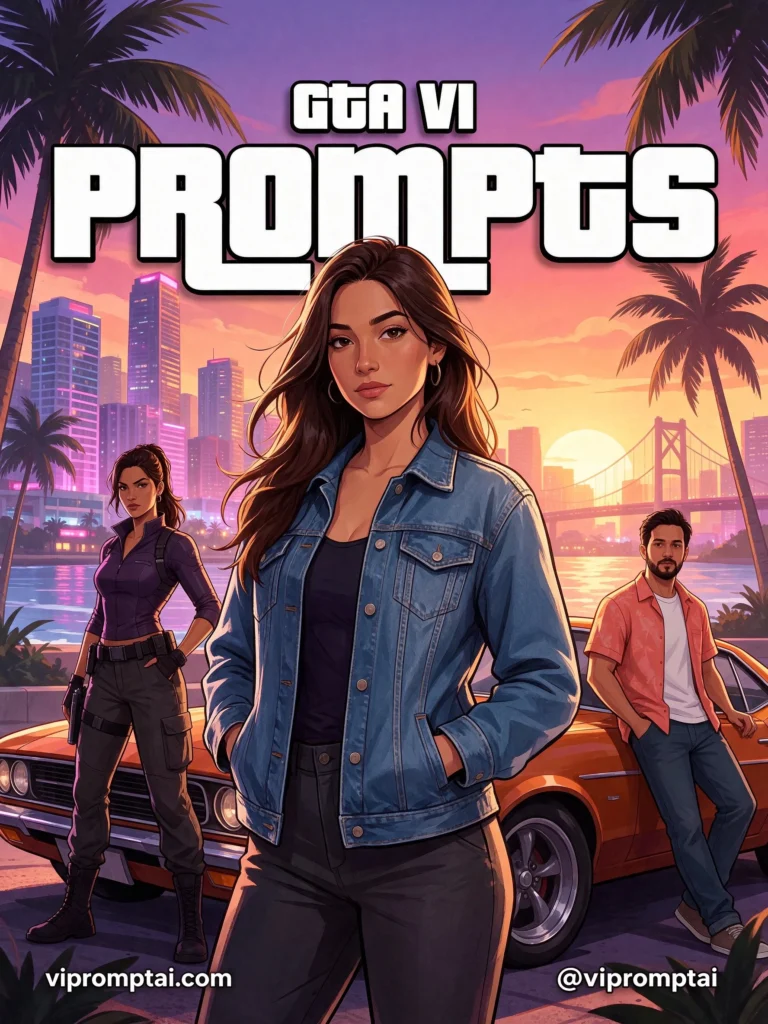
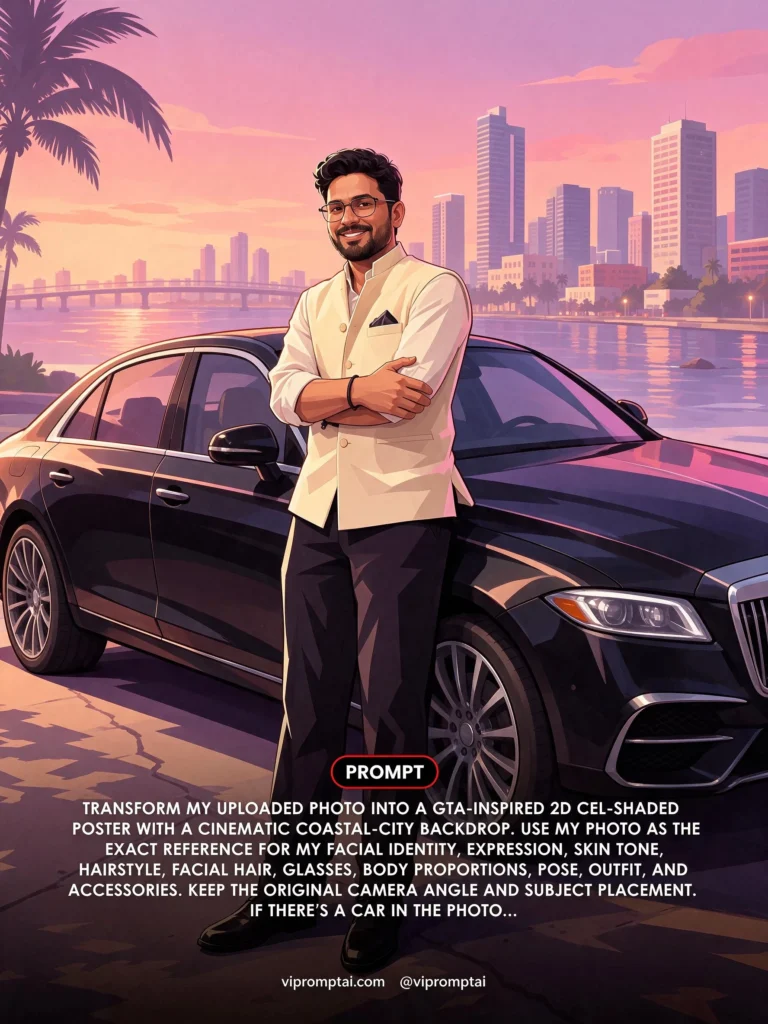
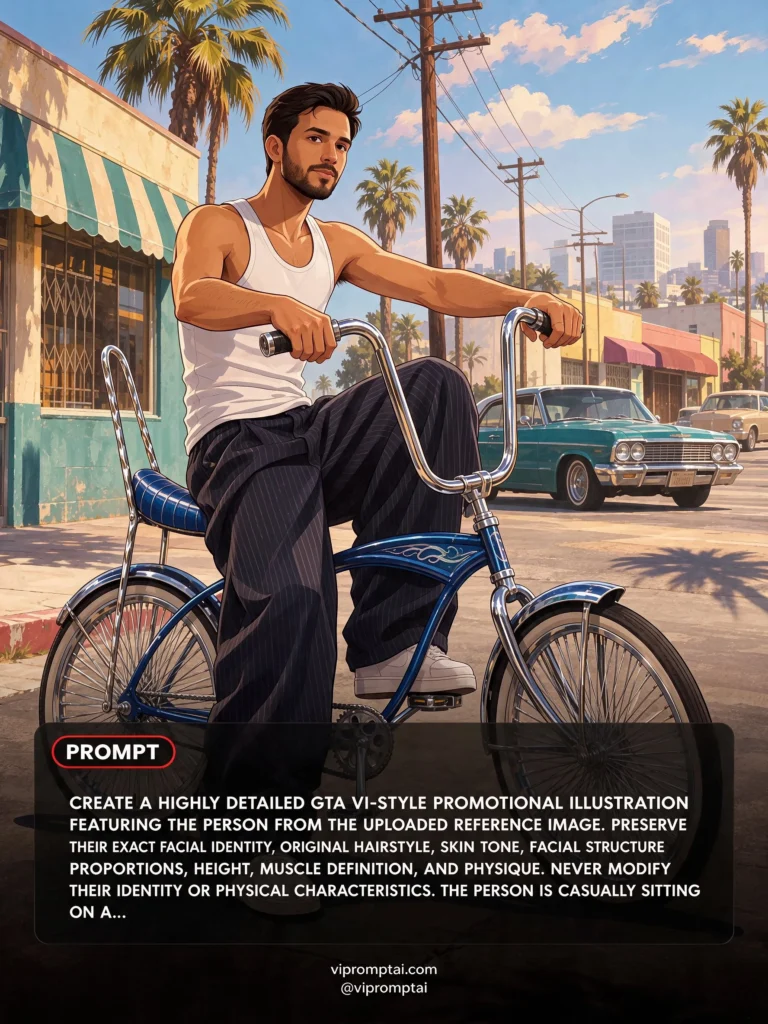
Transform my uploaded photo into a GTA VI-style 2D cel-shaded poster character. Use my photo as the exact reference for my facial identity, expression, skin tone, hairstyle, facial hair, glasses, body proportions, pose, outfit and accessories. Keep my face, expression and outfit exactly the same — no smoothing, no beautification, no reshaping. Place me in a cinematic Vice City backdrop with bold black outlines, clean colour blocks, layered cel shading and a warm sunset palette. Vertical 3:4 portrait, ultra-sharp 4K.

SCENE (pick one):
1. TRIO STREET — three friends standing by a classic orange car on a palm-lined waterfront street at sunset, denim jacket, city skyline and bridge behind.
2. COASTAL CITY CAR — leaning on a black luxury sedan by the waterfront in a cream waistcoat, city skyline and pink sunset behind.
3. LOWRIDER BICYCLE — casually sitting on a blue lowrider bicycle on a sunny palm street in a white tank top, classic cars and shops behind.

Negative: no changed face, no extra people, no extra text, no watermark, no blurry hands.
How to Use This Prompt
- Copy the AI prompt from the prompt box above.
- Open Gemini.
- Upload your reference photos if needed.
- Paste the copied prompt into the AI tool.
- Generate your result instantly.
Make it yours: Enhance this prompt or turn your result into a pin with the Pinterest Pin Maker.
Turn your photo into a GTA VI-style boy character — Vice City streets, classic cars and sunset skylines, with your face kept exactly the same.
How to use it — Step 1: Upload your photo to Gemini. Step 2: Paste the prompt below. Step 3: Keep your face and outfit the same — change only the scene. Step 4: Download the result and post it.
Want more? Browse all our AI image prompts — free and ready to copy.