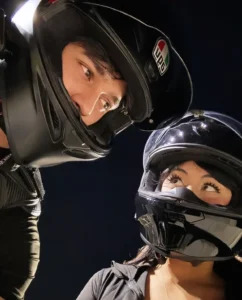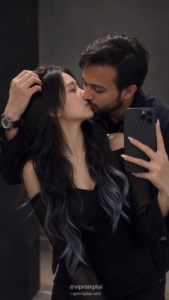
Turn your photo into a GTA VI-style girl character — Vice City sunset, same face, same style.
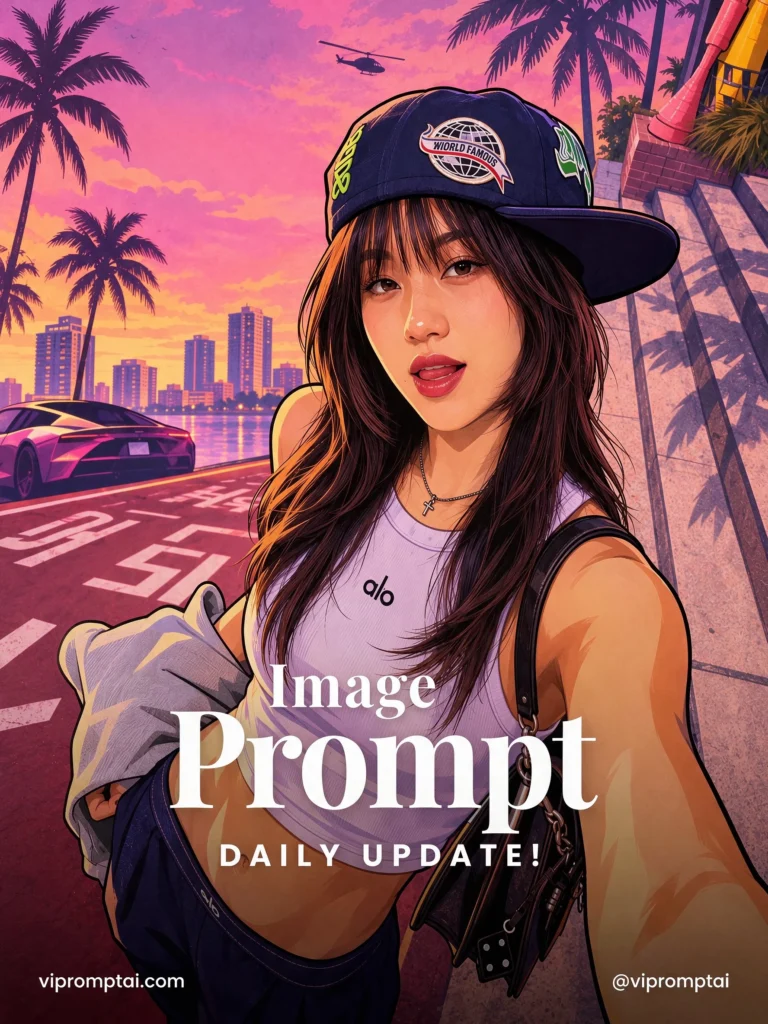
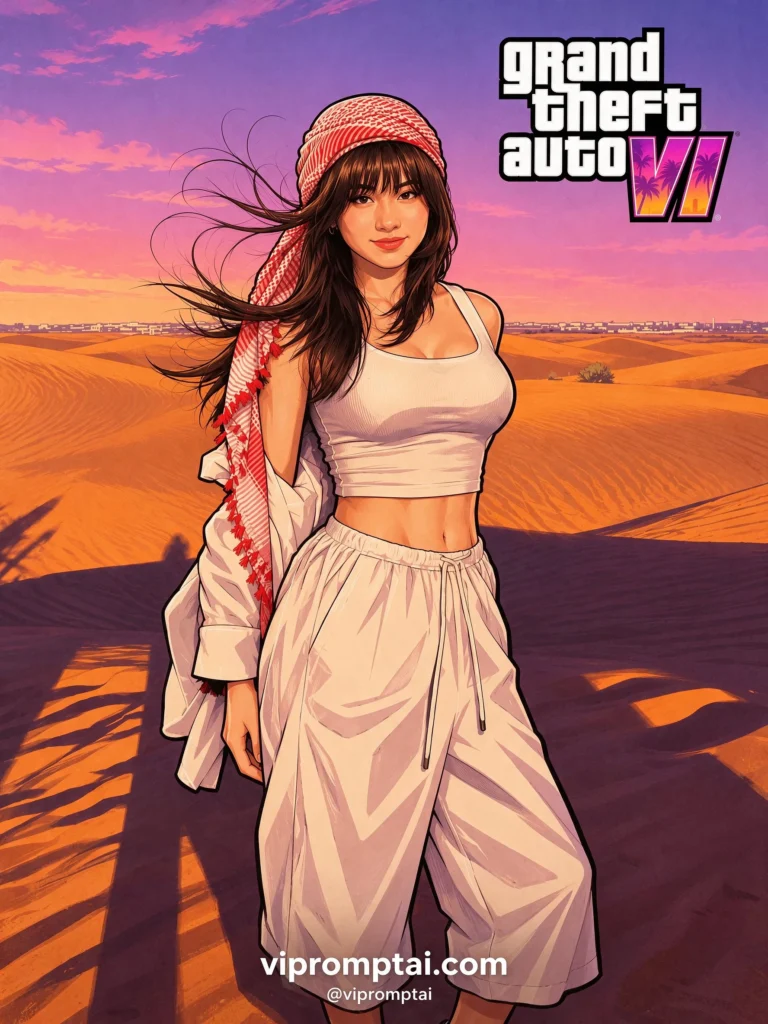
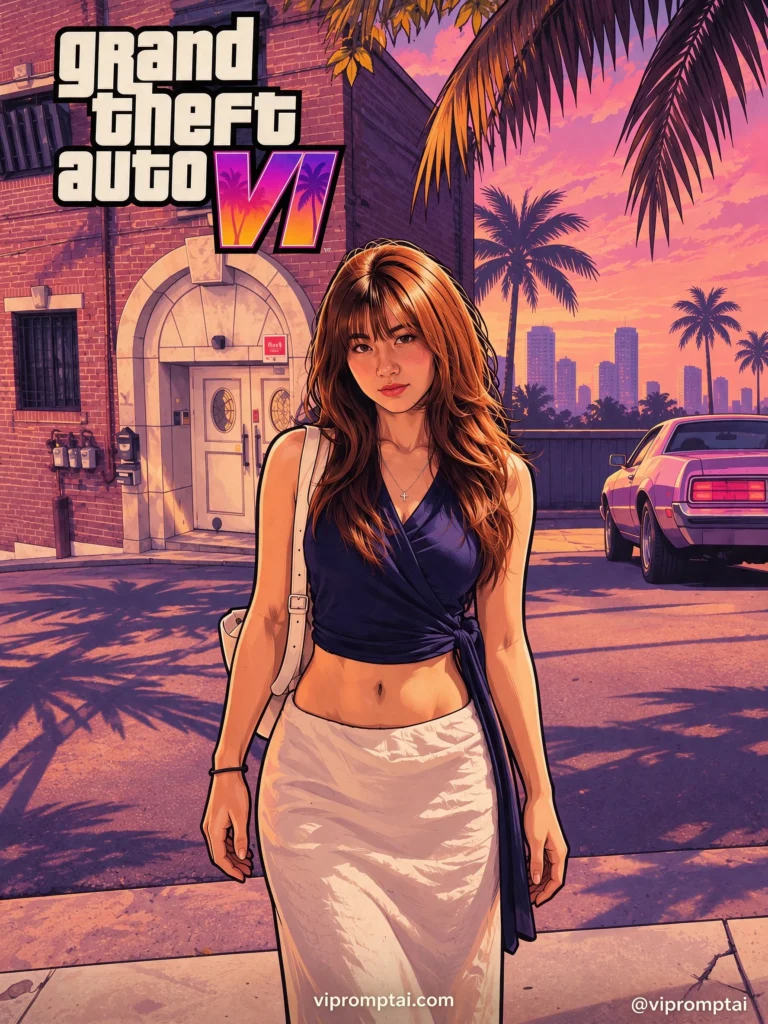
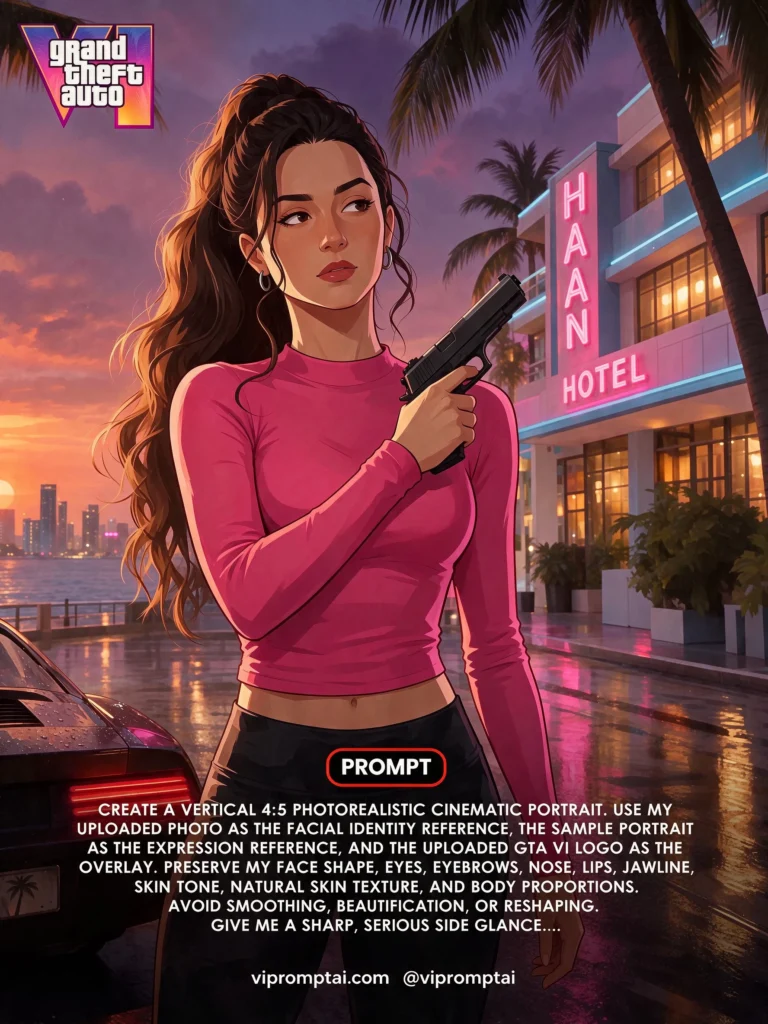
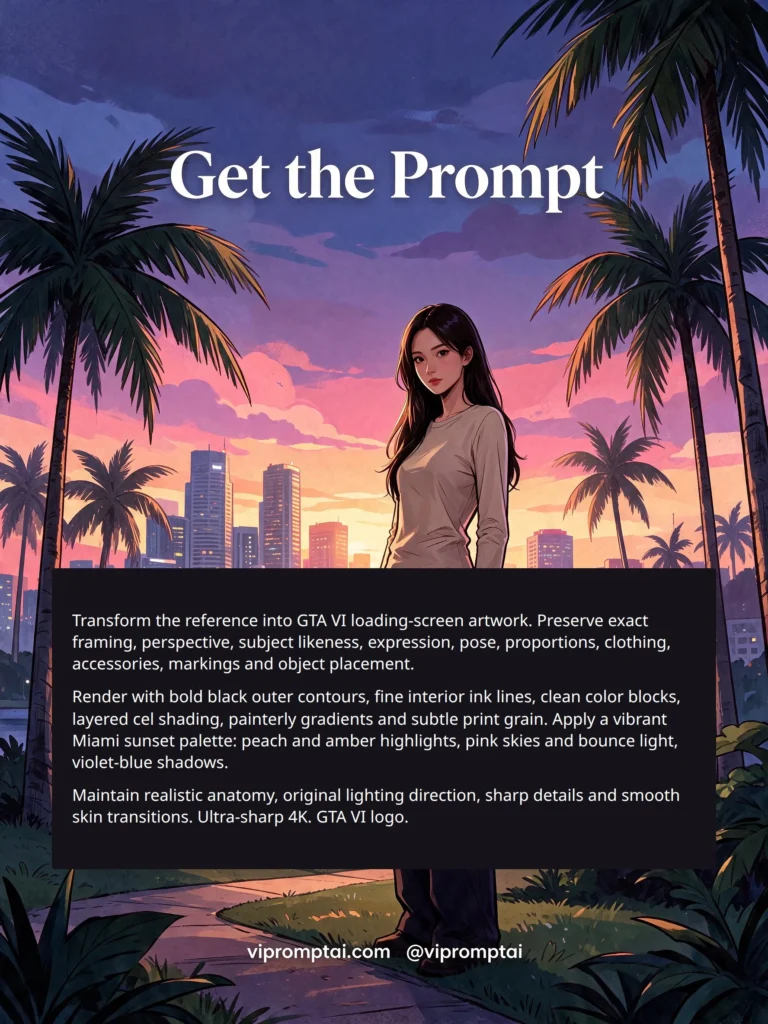
Transform the reference into GTA VI loading-screen artwork. Preserve exact framing, perspective, subject likeness, expression, pose, proportions, clothing, accessories, markings and object placement. Render with bold black outer contours, fine interior ink lines, clean color blocks, layered cel shading, painterly gradients and subtle print grain. Apply a vibrant Miami sunset palette: peach and amber highlights, pink skies and bounce light, violet-blue shadows. Maintain realistic anatomy, original lighting direction, sharp details and smooth skin transitions. Ultra-sharp 4K. GTA VI logo.How to Use This Prompt
- Copy the AI prompt from the prompt box above.
- Open Gemini.
- Upload your reference photos if needed.
- Paste the copied prompt into the AI tool.
- Generate your result instantly.
Make it yours: Enhance this prompt or turn your result into a pin with the Pinterest Pin Maker.
Turn your photo into a GTA VI-style girl character — Vice City sunsets, palm streets and neon nights, with your face kept exactly the same.
How to use it — Step 1: Upload your photo to Gemini. Step 2: Paste the prompt below. Step 3: Keep your face and outfit the same — change only the scene. Step 4: Download the result and post it.