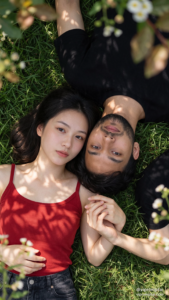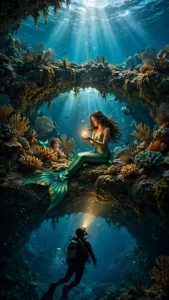
Turn any portrait into a neon sunset game poster with palm trees, luxury cars and bold cinematic title text.
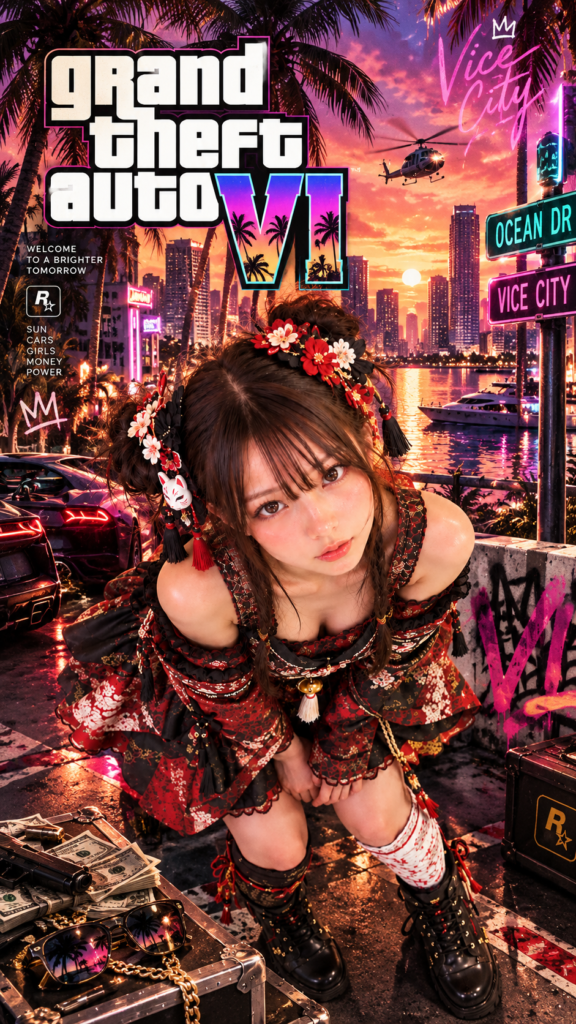
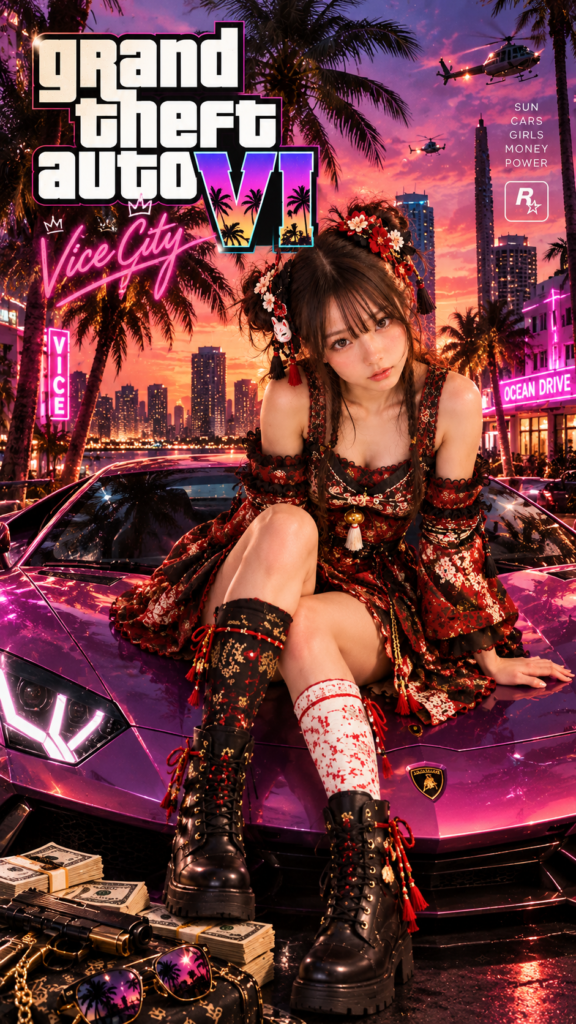
Create a highly detailed 8K portrait poster inspired by the iconic visual style of the modern Grand Theft Auto VI promotional artwork aesthetic, featuring a cinematic urban atmosphere with bold composition, vibrant lighting, layered graphic elements, and stylish contemporary street-luxury fashion energy. The overall design must strongly capture the signature mood of GTA VI posters, including dynamic neon color grading, tropical-modern city vibes, dramatic shadows, glossy highlights, stylized textures, decorative ornaments, graphic overlays, urban symbols, luxury lifestyle accents, and immersive environmental storytelling. Add premium poster decorations such as abstract shapes, graffiti-inspired accents, subtle retro-modern textures, luxury vehicle silhouettes, nightlife elements, palm tree shadows, street sign details, glowing reflections, and layered visual effects that enrich the composition without making it feel overcrowded. Include a large cinematic title text "Grand Theft Auto VI" prominently on the poster using typography inspired by official AAA video game promotional posters, with the full version of "GTA" clearly written as "Grand Theft Auto." The typography should feel bold, luxurious, modern, and integrated naturally into the poster design, supported by additional smaller decorative texts, symbols, labels, and graphic UI-style elements to strengthen the authentic game-poster atmosphere.How to Use This Prompt
- Copy the AI prompt from the prompt box above.
- Open Gemini.
- Upload your reference photos if needed.
- Paste the copied prompt into the AI tool.
- Generate your result instantly.
Make it yours: Enhance this prompt or turn your result into a pin with the Pinterest Pin Maker.
This prompt creates a detailed 8K portrait poster inspired by the look of modern Grand Theft Auto VI promotional artwork. It adds neon sunset colors, palm trees, a glowing city skyline, luxury cars and a big bold title, all layered into a stylish game-poster design. The result feels like an official AAA game poster.
How to use it — Step 1: Open Gemini and upload a clear photo of yourself if you want to be the poster’s main character. Step 2: Copy the prompt from the Prompt Text box on this page. Step 3: Paste it into Gemini along with your photo and send. Step 4: If the title text or layout needs fixing, ask Gemini to regenerate with small changes.