
Turn your photo into a GTA VI-style poster — same face, same outfit, Vice City all around you.
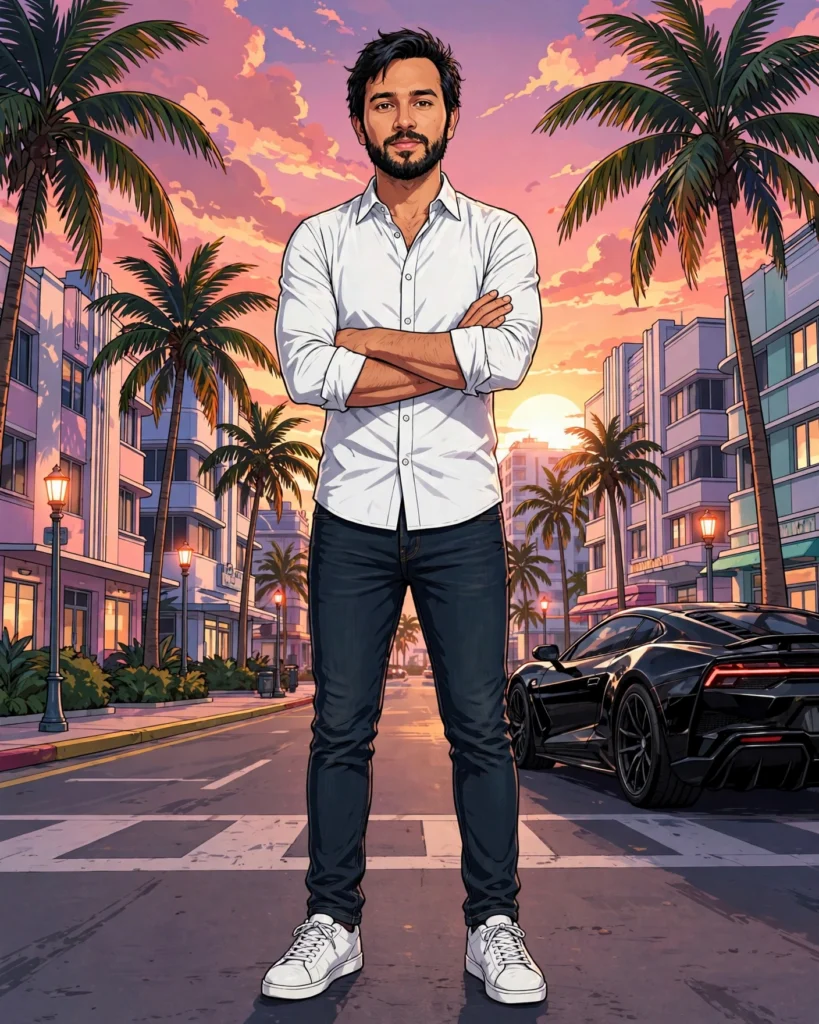
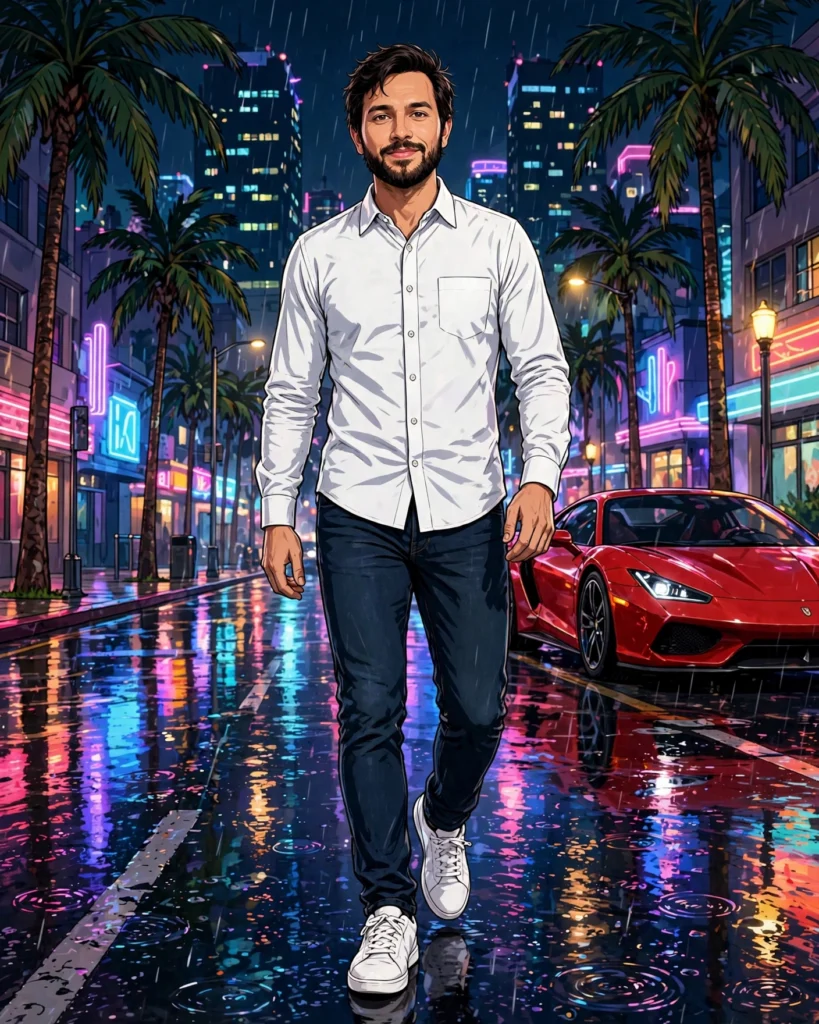

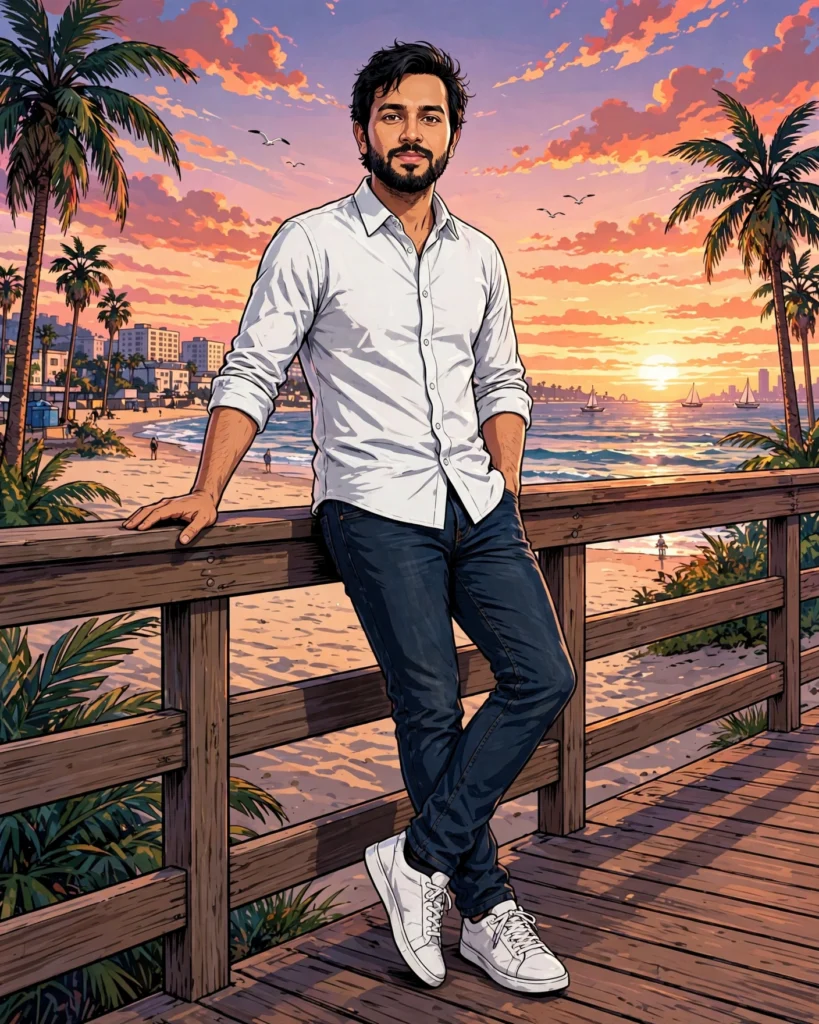
Turn the person in my uploaded photo into a GTA VI-style 2D cel-shaded poster character. Keep my face, expression, skin tone, hairstyle, facial hair, glasses, body proportions, pose and outfit exactly the same. Place me in a cinematic Vice City coastal-city backdrop at sunset — palm trees, neon signs, pink-orange sky and wet street reflections. Use bold black outlines, flat cel shading and saturated comic-book colours with dramatic rim light. If there is a car in the photo, redraw it as a glossy GTA-style sports car in the same position. Keep the original camera angle and subject placement. No extra text, no watermark, no logo. 4:5 vertical poster. Avoid: changing my face, extra fingers, distorted hands, extra text, logos, watermarks, photorealistic rendering, blurry details.How to Use This Prompt
- Copy the AI prompt from the prompt box above.
- Open Gemini.
- Upload your reference photos if needed.
- Paste the copied prompt into the AI tool.
- Generate your result instantly.
Make it yours: Enhance this prompt or turn your result into a pin with the Pinterest Pin Maker.
Turn your own photo into a GTA VI-style poster. This prompt turns any photo into a bold 2D cel-shaded Vice City character poster — same face, same outfit, same pose, just a whole new world around you.
Step 1: Copy the prompt from the prompt box below. Step 2: Open Gemini and upload your clear front-facing photo. Step 3: Paste the prompt with your photo. Step 4: Generate, then try a different backdrop or pose by changing one line.