
Turn messy meeting notes into a clean summary with owners, deadlines, and decisions using this Claude prompt for teams.
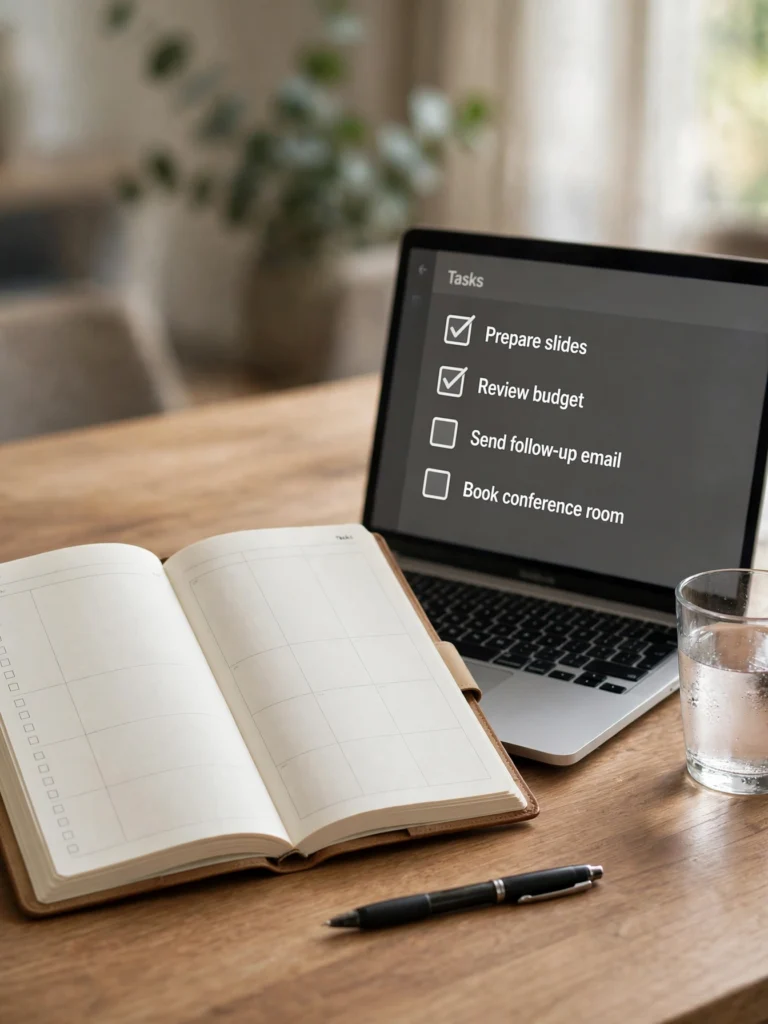
Act as an expert executive assistant who turns messy meeting notes into documents teams actually use. Process my meeting notes below.

MEETING DETAILS:
- Meeting title: [meeting title]
- Date: [date]
- People who attended: [names and roles]
- My raw notes (paste everything, even if unordered or incomplete):
[your raw meeting notes]

YOUR OUTPUT MUST HAVE EXACTLY THESE SECTIONS:
1. Meeting Summary — 4 to 6 bullet points covering only what was actually discussed. Do not invent decisions that are not in my notes.
2. Decisions Made — a list of each decision, who made it, and what was agreed.
3. Action Items — a table with 4 columns: Task, Owner, Deadline, Priority (High, Medium, or Low). If an owner or deadline is missing from my notes, write "Not assigned" or "No deadline given" instead of guessing.
4. Open Questions — anything that was raised but not decided, with the name of the person who should answer it.
5. Next Meeting — one line suggesting the date and the single most important agenda item.

RULES:
- Keep the whole output under 400 words.
- Use plain, direct language. No corporate filler words.
- If two parts of my notes contradict each other, point out the contradiction and ask me which version is correct.
- End with a ready-to-paste follow-up message under 80 words that I can send to the team with the action items attached.
How to Use This Prompt
- Copy the AI prompt from the prompt box above.
- Open Claude.
- Upload your reference photos if needed.
- Paste the copied prompt into the AI tool.
- Generate your result instantly.
Most meeting notes end up as long paragraphs nobody reads again, and the actual tasks get forgotten. This Claude prompt turns messy meeting notes into a clean summary with owners, deadlines, and decisions, so nothing slips through.
To use it, copy the prompt below into Claude and paste your raw meeting notes inside the brackets. Add the meeting date and the people who attended, then copy the action list into your task manager or team chat. You can also ask Claude to draft a short follow-up message from the same notes.
Frequently Asked Questions
Which AI tool works best with these prompts?
These prompts work best with ChatGPT, Gemini, Midjourney, and other advanced AI image generators.
What photo should I upload?
Upload a clear, well-lit reference photo for the best results.
Are these prompts free?
Prompts labeled Free are free to copy and use. Premium prompts are marked accordingly.
Can I use these on mobile?
Yes - copy the prompt on any device and paste it into your AI app.