
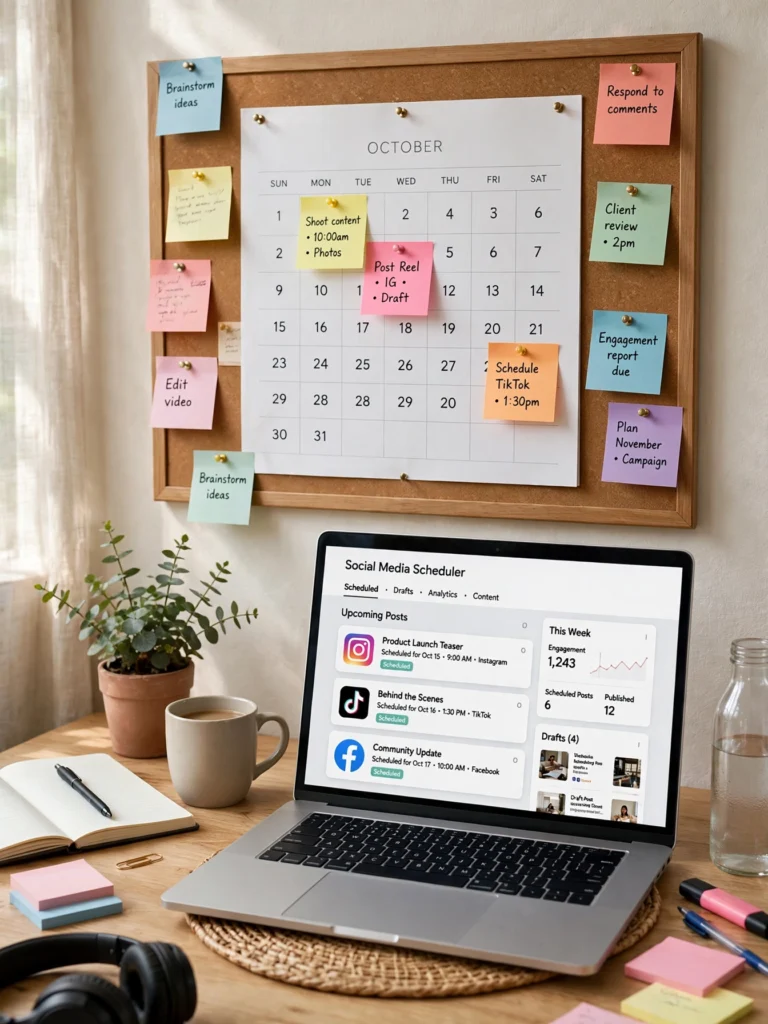
Plan a full month of social media posts with ideas, captions, and posting days using this Claude content calendar prompt.
Act as a social media strategist who grows small accounts with consistent, practical content. Build a 30-day content calendar for me.

MY DETAILS:
- My niche or business: [what you do or sell]
- My target audience: [who you want to reach, their age and interests]
- Platforms I post on: [Instagram, TikTok, Facebook, YouTube, LinkedIn — pick your ones]
- How often I can post: [e.g. 4 times per week]
- My goal: [more followers, more sales, more website visits, brand awareness]
- My brand tone: [friendly, professional, funny, educational]
- Topics I already covered (so you do not repeat them): [list, or write "none"]

YOUR CALENDAR MUST FOLLOW THESE RULES:
1. Format: a week-by-week table with 4 columns — Day, Platform, Post Idea, Caption Hook (the first line of the caption).
2. Content mix: rotate between these 5 types so no week feels repetitive — educational tips, behind-the-scenes, customer results or stories, common mistakes, and engagement posts (questions, polls, challenges).
3. Every post idea must be specific to my niche. No generic ideas like "post a motivational quote" unless you explain exactly how it connects to my niche.
4. Caption hooks must be under 12 words and create curiosity without clickbait lies.
5. Add a posting-time suggestion for each platform based on general best practice, and mark it as a suggestion, not a guarantee.
6. End with a short weekly checklist: what to film, write, or design each week so I can batch-create the content in one sitting.

RULES:
- Do not repeat the same post idea twice in the month.
- Keep all ideas realistic for one person with a phone and free tools.
- If my posting frequency cannot fill 30 days evenly, spread the posts out and clearly mark the rest days.
How to Use This Prompt
- Copy the AI prompt from the prompt box above.
- Open Claude.
- Upload your reference photos if needed.
- Paste the copied prompt into the AI tool.
- Generate your result instantly.
Posting whenever you remember leads to long gaps and random content that grows nothing. This Claude prompt builds a full month of social media content around your niche, with post ideas, captions, and the best days to post.
To use it, copy the prompt below into Claude and fill in your niche, platforms, and how often you can post. Take the calendar it gives you, adjust any ideas that do not fit your brand, and schedule the posts in advance so you never miss a day.
Frequently Asked Questions
Which AI tool works best with these prompts?
These prompts work best with ChatGPT, Gemini, Midjourney, and other advanced AI image generators.
What photo should I upload?
Upload a clear, well-lit reference photo for the best results.
Are these prompts free?
Prompts labeled Free are free to copy and use. Premium prompts are marked accordingly.
Can I use these on mobile?
Yes - copy the prompt on any device and paste it into your AI app.