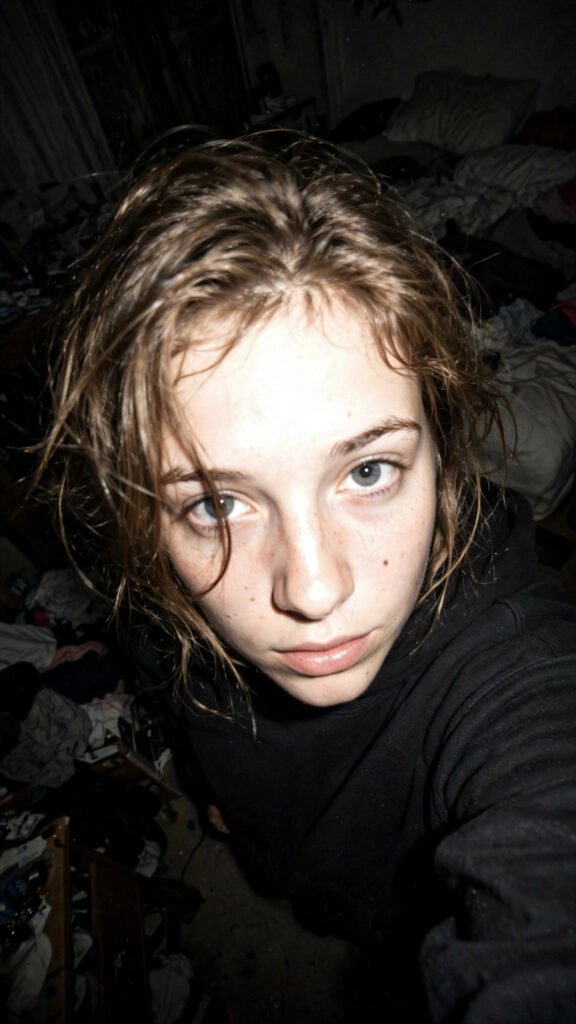
Nano Banana is the nickname everyone uses for Google Gemini’s image model — famous for realistic photo edits, consistent characters and viral portrait looks. Below are our best copy-paste prompts made for it: pick a look, copy the prompt, and paste it into the Gemini app or website. Every prompt here is free — no signup, no login.
Best Nano Banana Prompts to Copy & Paste
 Gemini PromptsLavender Field Sunset Portrait Prompt
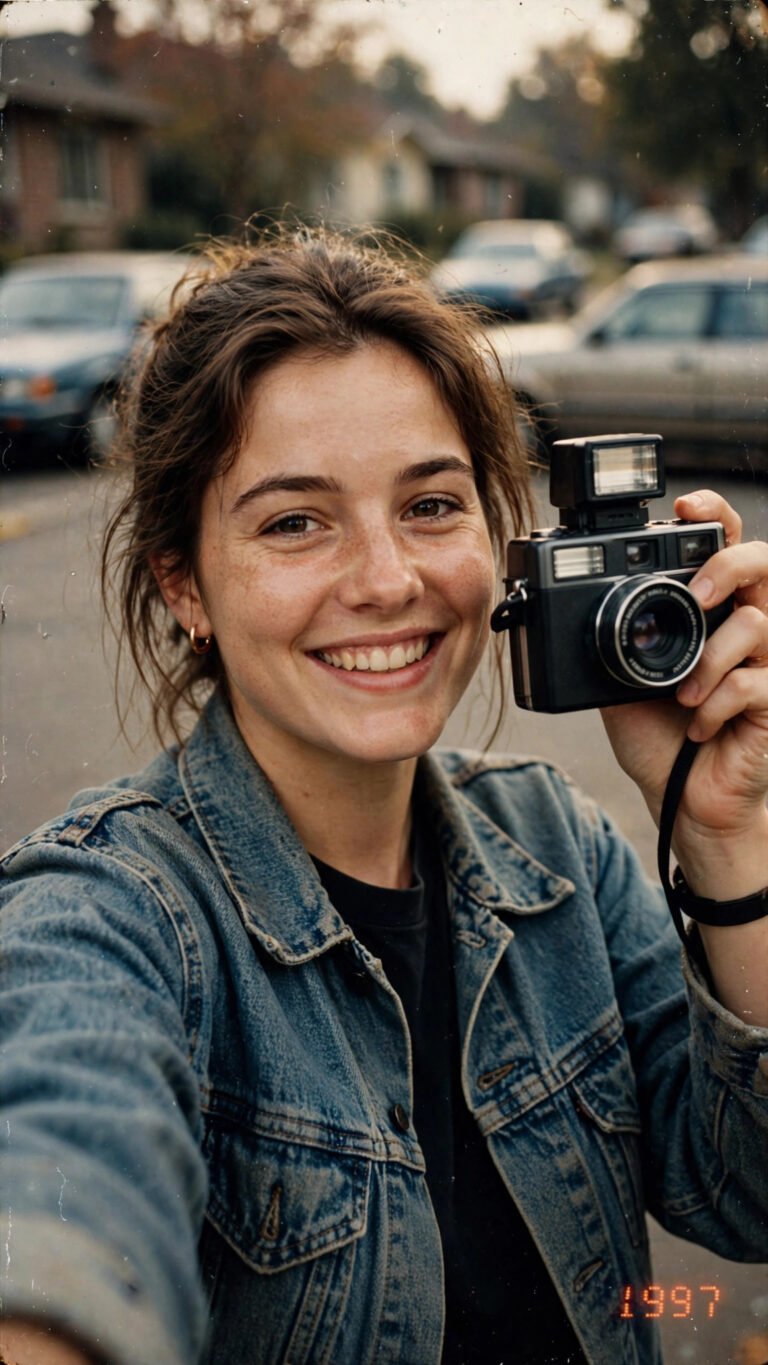 Gemini PromptsVintage Film Camera Selfie Prompt
 Gemini PromptsCherry Blossom Kimono Portrait Prompt
 Gemini PromptsNeon Cyberpunk Alley Portrait Prompt
 Gemini PromptsDesert Golden Dunes Portrait Prompt
 Gemini PromptsMonsoon Rain Window Portrait Prompt
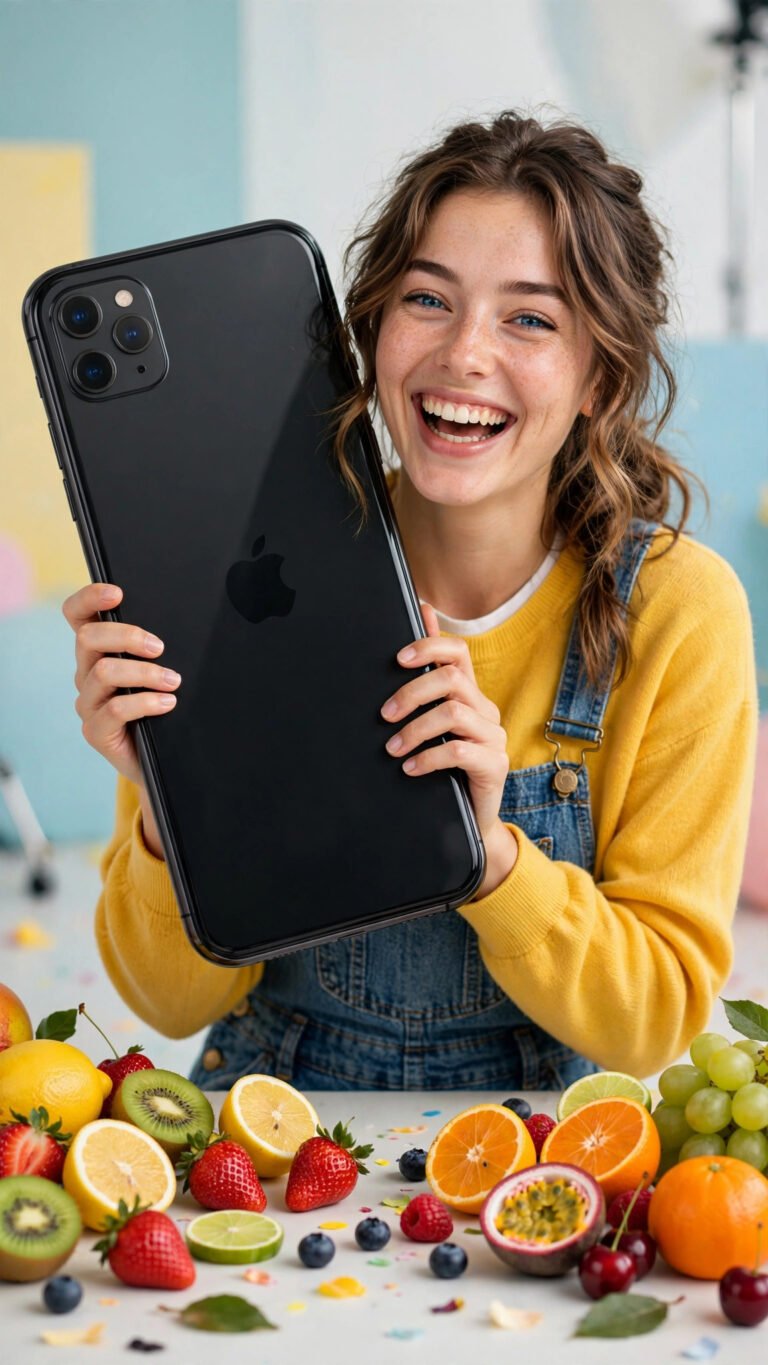 Gemini PromptsGiant Phone Fruit Fun Portrait Prompt
 Gemini PromptsStormy Cliff Ocean Portrait Prompt
 Gemini PromptsAnime Starry Night Flashlight Prompt
 Gemini PromptsVeiled Golden Eyes Close-Up Prompt
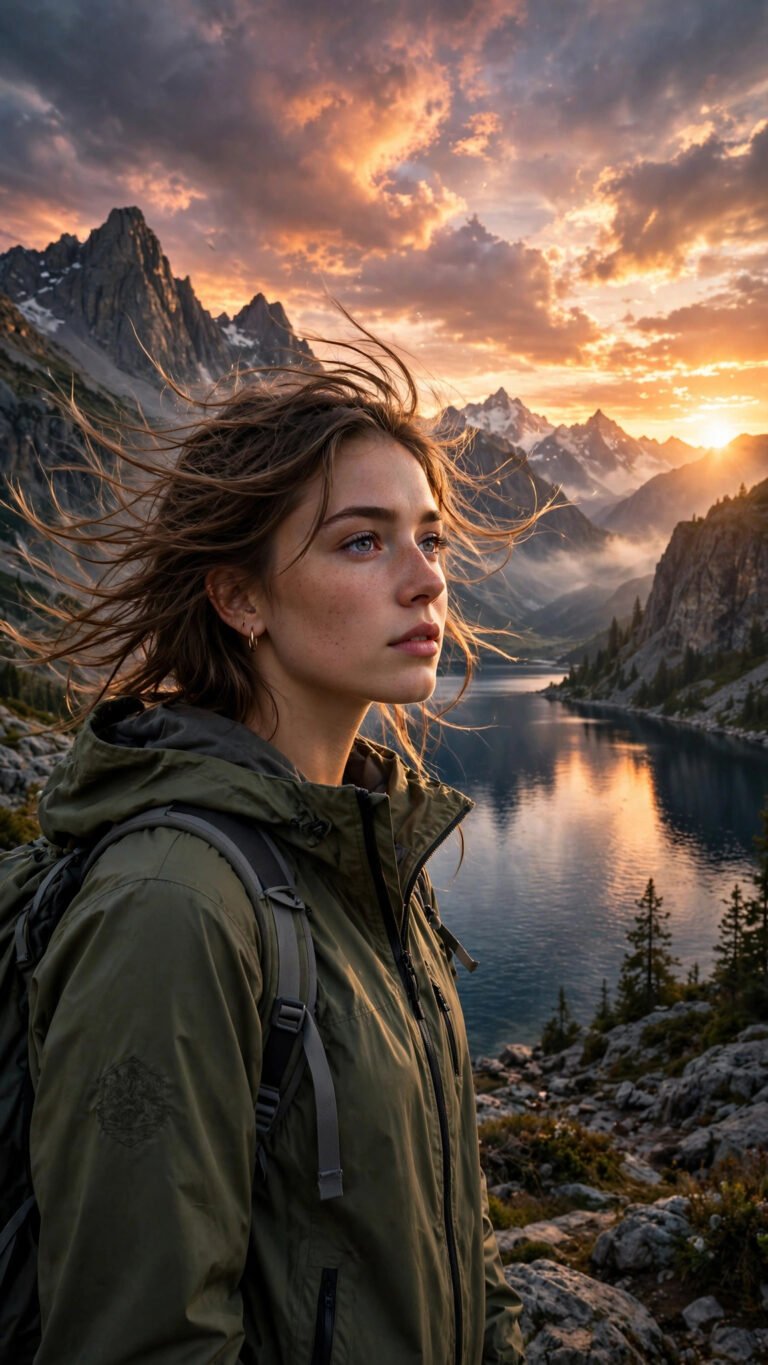 Gemini PromptsEpic Mountain Lake Travel Portrait Prompt
 Gemini PromptsDreamy Blossom Wallpaper Portrait Prompt
How to Use a Nano Banana Prompt
1. Choose a prompt above and open it. 2. Press Copy Prompt. 3. Open Google Gemini (app or gemini.google.com), paste the prompt, add your photo if the prompt asks for one, and generate. Tip: for sharper, more detailed results, run your prompt through our free AI Prompt Enhancer first.
Why Nano Banana Prompts Go Viral
The Gemini image model keeps faces and outfits consistent between edits, handles natural-language instructions well, and produces realistic lighting — which is why Nano Banana edits trend so fast on Pinterest, Instagram and TikTok. A well-written prompt is what turns a random result into the exact look you wanted.
Nano Banana Prompts — FAQs
What is Nano Banana?
Nano Banana is the community nickname for Google Gemini’s image generation and editing model. It became popular for realistic photo edits, outfit and background changes, and keeping a person’s face consistent across images.
Are these Nano Banana prompts free?
Yes. Every prompt listed on this page is free to copy and use. There is no signup and no login — open a prompt, press Copy Prompt, and paste it into Gemini.
How do I use a Nano Banana prompt in Gemini?
Open the Gemini app or gemini.google.com, paste the copied prompt, upload your photo if the prompt is an edit-style prompt, and send. Gemini generates the image using the Nano Banana model automatically.
Do these prompts also work in ChatGPT?
Most of them do — the wording is natural language, so ChatGPT’s image tools can follow the same prompt. Results differ between models, and each prompt page on this site is tagged with the tool it was made for.
Can I improve a prompt before using it?
Yes — paste it into our free AI Prompt Enhancer on this site. It adds professional detail and structure while keeping your original idea, and works for image, video and text AI.
🔧 Make Any Prompt Better
Turn a rough idea into a pro-level Nano Banana prompt with our free AI Prompt Enhancer — no sign-up, nothing uploaded.